


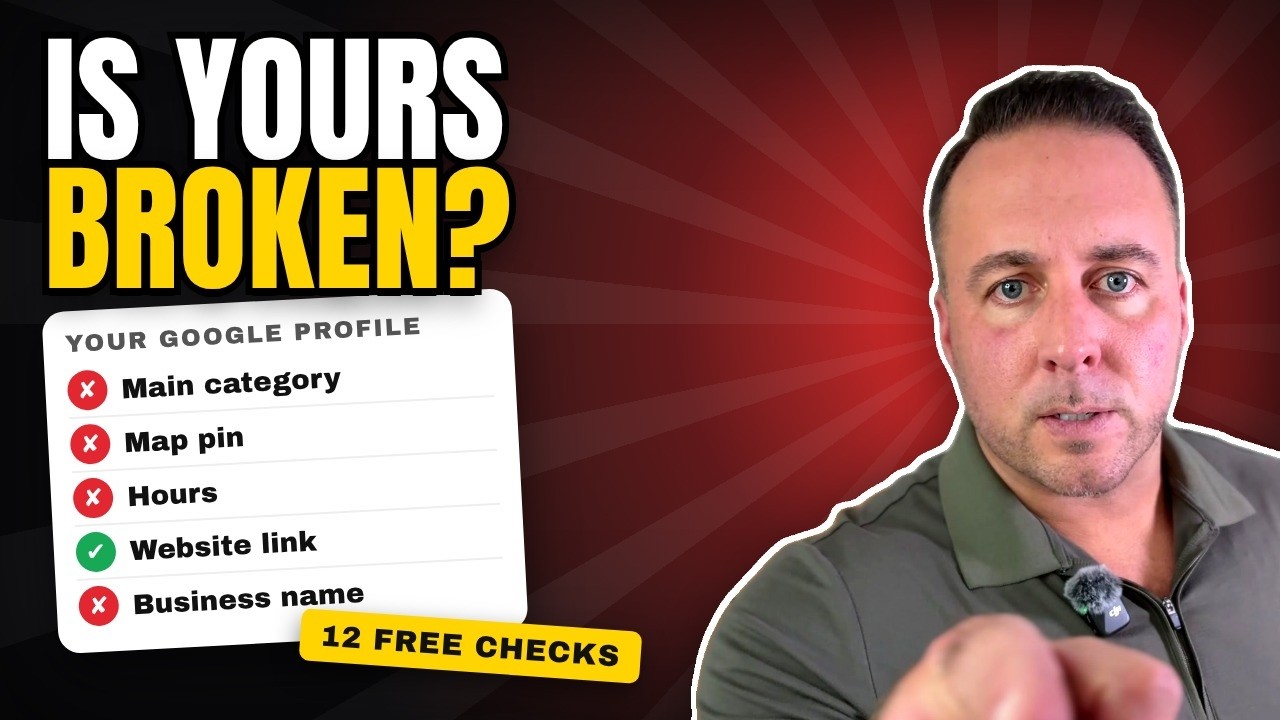
The short answer: search your own business on Google Maps and check that it's yours, it's open, and the pin is in the right spot. Then check your main category, hours, website link and business name. Google says it ranks the map on how well you match the search, how far away you are and how well known you are, and you control two of those three.
What is a Google Business Profile audit?
It's a check of your free Google listing, the one that shows up on Google Maps and beside the search results, to find what's wrong, what's missing, and how you compare to the businesses showing up ahead of you. You don't need a tool for it. You need about twenty minutes and your phone.
1. What do customers see when they search your business?
Search your own business on Google Maps right now. I'll wait.
Is it yours? Is it even open? Is the pin in the right spot? If any of those is a no, that's this week's job, and it comes before anything else on this list.
2. What does Google rank the map on?
Google's help page on local ranking says local results are mainly based on three things. Most owners only know one.
- Match. Does your profile say what you are? Google calls this relevance.
- Distance. How far is your profile from the person searching?
- How well known you are. Google calls this prominence. Reviews, replies, photos and posts all feed it.
You can't move where the customer is standing. You control the other two. The rest of this audit is about those.
3. Is your main category right?
Your main category is how Google matches you to a search. Get it wrong and you're the worst match on the map for the job you actually want. It takes about two minutes to fix: pick the category that names the work you most want to be called for.
4. Agents: does it say agency or agent?
If you're a real estate agent, search your name and read the gray line right under it. If it says real estate agency, change it to real estate agent. Your brokerage is the agency. You're the agent.
5. Is your pin where you actually work?
Google only knows where your profile says you are. If your pin sits at an office 20 miles away or in a different market, that's where Google thinks you work. If you go to your customers, look at setting a service area. Agents, ask your broker before you change an address.
6. Are your hours right?
Google tells people whether you're open. If it says closed while you're actually open, the call goes to the other guy down the road. Check yours tonight, and check the holidays too.
7. Does Google say you're closed, or show an old address?
A profile marked closed or sitting on an old address tells people you threw in the towel. If it's wrong, claim the profile and fix it this week.
8. Does your website link work?
Your website link on Google might be broken and nobody told you. I found one profile whose website button led to a page that wouldn't load at all. Tap your own link once a month like a customer would, and see where it goes.
9. Is your city stuffed into your business name?
Don't do it. Google's guidelines say the name on your profile should be your real business name. Extra words like a city can get a profile suspended. Put your towns in your description and your service area.
10. Can you pay to rank higher on Google Maps?
No. Google's own help page says there's no way to request or pay for a better local ranking. Ads are marked Sponsored. Everything else is earned with a good profile and reviews.
11. Which fixes matter most?
If you only have an hour, here's how I'd rank every fix on this page:
- Top of the list: ask every customer for a Google review.
- Next: the right main category.
- After that: photos and posts.
- Bottom of the list, and don't do it: stuffing your city into your business name.
12. What's the worst mistake of all?
I ran the common ones bracket style: wrong category against no reviews, wrong address against broken links. My pick for the worst is no reviews. Google's page says more reviews and positive ratings can help your local ranking, and reviews are the first thing a customer reads. If that's you, start with how to ask for a Google review.
After the 12: how do you compare to the top three?
An audit isn't finished until you look at who's beating you. Search the job you want most plus your town, and open the first three businesses on the map. Write down four things for each, and for yourself:
- How many reviews they have.
- How recent the newest one is. A steady stream beats one burst three years ago.
- Whether they reply to their reviews.
- How many photos they have, and whether they're real job photos.
The gap between your row and theirs is your to do list. That comparison is exactly what my free X-Ray does for you, by hand.
Free tools that go with this
Questions owners ask about auditing a Google profile
What is a Google Business Profile audit?
It is a check of your free Google listing to find what is wrong or missing and to see how you compare to the businesses showing up ahead of you on Google Maps.
Is a Google Business Profile free?
Yes. Creating and managing a Business Profile on Google is free. Ads are separate and are labeled Sponsored.
How do I audit my Google Business Profile?
Search your business on Google Maps and check that the listing is yours, shows as open, and has the pin in the right place. Then check your main category, hours, website link, business name and reviews.
What does Google use to rank local businesses on the map?
Google says local results are mainly based on relevance, distance and prominence. Relevance is how well your profile matches the search, distance is how far you are from the searcher, and prominence is how well known you are. Reviews and positive ratings can help.
Can I pay Google to rank higher on Maps?
No. Google's help page says there's no way to request or pay for a better local ranking. Ads can appear, but they're labeled Sponsored.
Can I add my city to my Google business name?
Only if it's truly part of your business name. Google's guidelines say the profile name should match your real business name, and extra words like a city can get a profile suspended.
What is the most important thing to fix on a Google Business Profile?
After making sure the listing is yours, open and in the right place, the fix that matters most is asking every customer for a Google review. The right main category comes next.
How often should I check my Google Business Profile?
Tap through it once a month the way a customer would: search your name, check the hours, and tap the website and call buttons to see where they go.
Free Google X-Ray
Want me to run the audit for you?
Send me your business name and town. I'll line you up against the top 5 businesses like yours nearby: your profile and your Google reviews next to theirs, scored out of 100 with the fixes in order. It's yours to keep.
Built by hand from public pages. Back to you in 48 hours, and there's no sales call. No results guarantee: Google decides the map.