


The short answer: a business owner can't delete a Google review. Only the person who wrote it can. What you can do is report a review that breaks Google's rules, like a fake review, one from a competitor or one that's about something else entirely. Google decides, usually within several days, and you get one appeal. A real bad review from a real customer stays up, so the fix for that one is a calm reply and a steady stream of new reviews from everybody else.
Can a business owner delete a Google review?
No. There's no delete button on your end, and there's no number to call that makes one go away.
Google's own help page on reporting reviews is pretty blunt about it. It says not to report a review just because you disagree with it or dislike it, and that Google doesn't get involved in conflict between businesses and customers.
So there are really two kinds of bad reviews, and they get handled two different ways:
- Reviews that break Google's rules. Fake, from someone who was never your customer, from a competitor, spam, threats, profanity, somebody's personal information. You report these, and Google can take them down.
- Real reviews you don't like. A real customer who had a bad day with you, or thinks they did. These stay. You answer them.
Most owners I talk to spend all their energy trying to get the second kind removed. It almost never works, and it takes time away from the thing that does.
Which reviews will Google actually remove?
Google removes reviews that break its prohibited and restricted content policy. The ones that come up most for local businesses:
- Fake engagement. A review that isn't based on a real experience. Someone who never called you, never hired you, never walked in.
- Conflict of interest. A competitor reviewing you to hurt your reputation, or a current or former employee reviewing their own workplace.
- Off topic. Rants about politics, the news or something that has nothing to do with an experience at your business.
- Harassment and offensive content. Threats, attacks on a person, and unsubstantiated allegations of wrongdoing.
- Personal information. A review that posts someone's home address, personal phone number or other private details.
- Profanity, spam and repeat posts. Crude insults, ads, links, and the same review posted over and over.
If the review is unfair but it's a real customer describing a real experience, it's probably not going anywhere. That's frustrating, but it's also why the other half of this post matters more.
How do you report a fake Google review?
There are two ways. Both are free, and both are in Google's help page.
From your Business Profile (the quick way):
- Go to business.google.com and sign in with the account that manages your profile.
- Select Read reviews.
- Next to the review, select the Report icon.
- Pick the reason that fits, like spam or a conflict of interest.
- Select Send report.
From the Reviews Management Tool (the way you can track):
- Open Google's Reviews Management Tool and confirm the account linked to your profile.
- Select your business, then Continue.
- Choose Report a new review for removal, then Continue.
- Select Report next to the review, choose a reason and submit.
I'd use the second way. It's the same report, but you can come back and check on it, and it's where the appeal lives.
Pick the reason that's actually true. "This person was never my customer" is a clean, checkable reason. "This review is mean" isn't a reason Google acts on.
What happens after you report it?
Google says evaluation typically takes several days. In the Reviews Management Tool you'll see one of these:
- Decision pending. It's flagged and nobody has ruled on it yet.
- Report reviewed, no policy violation. Google looked and is leaving it up. You can appeal once.
- Escalated. Your appeal went up the chain, and the final answer comes by email.
To appeal, go back into the tool, choose Check the status of a review I reported previously and appeal options, then Appeal eligible reviews. You can appeal up to 10 reviews at a time, and each review gets one appeal. Use it. Add anything that helps: the reviewer isn't in your customer records, the job they describe isn't something you do, the review showed up the same day as a string of others.
If the answer is still no, it's staying. Move on to the reply.
Someone is threatening bad reviews unless you pay
This is a real scam. A pile of one and two star reviews shows up out of nowhere, then someone reaches out offering to make them go away for money, gift cards or free work.
Google has a separate report for negative review extortion. Its advice is simple: don't engage and don't pay. Paying doesn't guarantee anything and invites the next round.
Screenshot every demand with the date, time and whatever contact info they used. Note when the reviews started. Then file the extortion form with the links to the reviews and the screenshots. That form is only for extortion. Ordinary fake reviews still go through the regular report.
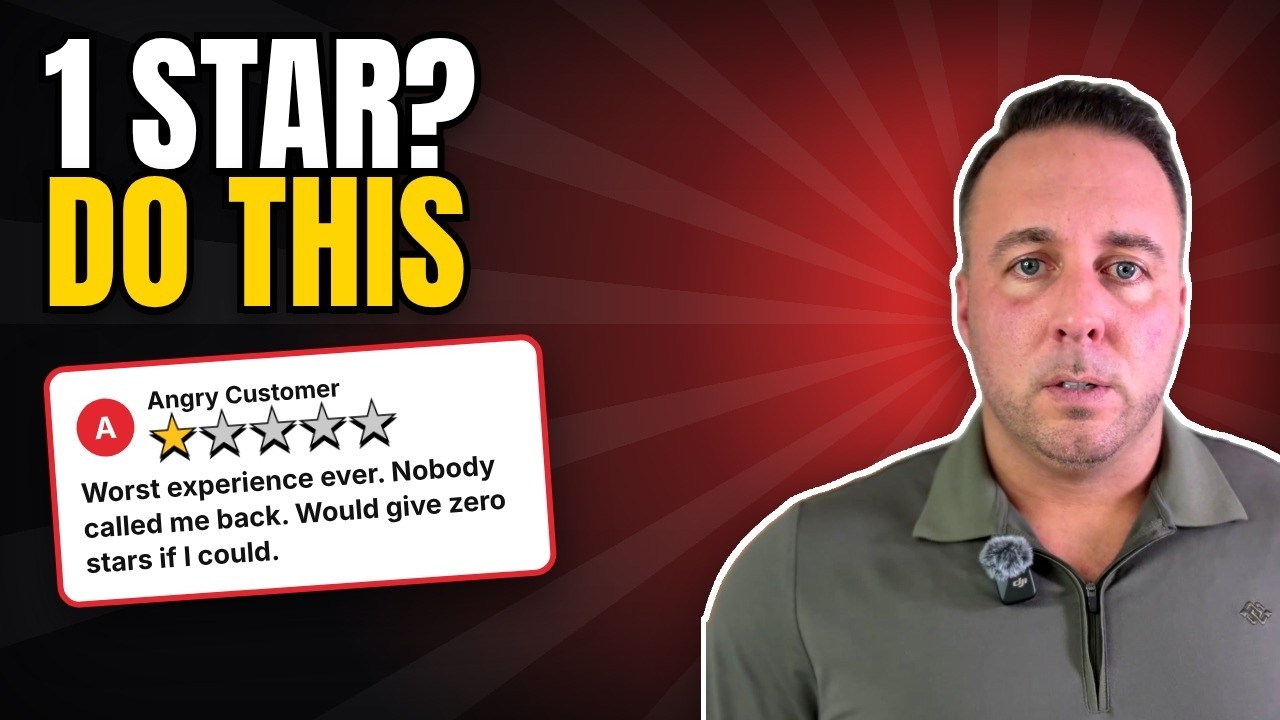
What not to do (this is how owners make it worse)
- Don't offer the customer anything to take it down. Google's rules on review requests say offering free or discounted goods or services in exchange for removing a negative review is strictly prohibited.
- Don't threaten or accuse. The FTC's rule on consumer reviews, in effect since October 21, 2024, prohibits using intimidation to get a review removed and making accusations about a reviewer you know are false. The FTC's questions and answers spell it out.
- Don't bury it with fake five stars. Not from friends who never hired you, not from your crew, not from a service. Google's profile restrictions for fake engagement can block new reviews for a set period, unpublish the ones you have, and show customers a warning that fake reviews were removed. That's a lot worse than one bad review.
- Don't delete your profile and start over. You lose every good review with it, and you'll probably end up with a duplicate mess.
- Be careful with "review removal" services. Nobody can remove a real review that follows the rules. A service can report it the same way you can for free. If they're promising more than that, ask how.
Can you ask a customer to change their review?
Yes, if you fix the problem first and you ask the right way.
The FTC says resolving issues with customers who left a negative review, or asking them to update it, isn't prohibited. So call them. Make it right if you can. Then, if they're happier, it's fair to say: "If you feel differently about how it ended up, you're welcome to update your review." That's it. Nothing offered, nothing implied.
When a reviewer edits a review, Google shows the date of the last edit as the review's date, so an updated review shows as recent.
The real fix for a bad review
One bad review on a profile with 9 reviews is a big deal. The same review on a profile with 120 is a footnote.
That's the whole strategy. When I graded 61 real estate agents' Google profiles this fall, the typical one had 9 reviews and the top agent near them had 101. With 9, every review carries a lot of weight. With 101, one sour one barely moves anything.
So do two things this week:
- Reply to the bad one. Calm, short, own what's fair, take it offline. The next customer reads your reply more closely than the review. The exact replies to copy are in how to reply to Google reviews.
- Ask everybody else. Every customer, the same words, your review link, the day the job is done. Here's how to ask for a Google review, and here's where to find your review link and QR code.
How to delete a Google review you wrote yourself
A lot of people land here looking for this, so here it is. Per Google's Maps help page, on a computer:
- Open Google Maps and select the Menu icon at the top left.
- Select Your contributions, then Reviews.
- Select More next to the review, then Delete review or Edit review.
Free tools that go with this
Questions owners ask about removing reviews
Can a business owner delete a Google review?
No. Only the person who wrote a review can delete it. A business owner can report a review that breaks Google's content policies, and Google removes it if it agrees.
How do I report a fake Google review?
Sign in at business.google.com, select Read reviews, select the Report icon next to the review, choose a reason and select Send report. You can also use Google's Reviews Management Tool, which lets you check the status later and appeal.
How long does it take Google to remove a reported review?
Google says evaluation typically takes several days. You can check the status in the Reviews Management Tool. If Google finds no violation, you get one appeal.
Will Google remove a bad review that's real?
Not because it's negative. Google says not to report a review just because you disagree with it, and that it doesn't get involved in conflicts between businesses and customers. Reply to it instead.
Can I pay a company to remove Google reviews?
Nobody can remove a real review that follows Google's rules. A service can only report it, which you can do yourself for free. Offering a customer anything to remove a negative review is against Google's policy.
Someone is threatening me with bad reviews unless I pay. What do I do?
Don't pay and don't engage. Save screenshots of every demand and report it through Google's separate form for negative review extortion scams.
How do I delete a Google review I wrote?
On a computer, open Google Maps, select the Menu icon, then Your contributions, then Reviews. Select More next to the review, then Delete review.
Free Google X-Ray
See how your reviews stack up nearby
Send me your business name and town. I'll line you up against the top 5 businesses like yours nearby: your Google reviews next to theirs and your profile, scored out of 100 with the fixes in order. It's yours to keep.
Built from public pages. Back to you within 48 hours, and there's no sales call. No results guarantee: Google decides the map.